

A photographer's website does two jobs. The public half is the portfolio: the work you want to be hired for, fast and sharp on every screen. The private half is the client side: a shoot uploaded, a link sent, favorites picked, and the finals delivered. Most photographers pay for a website builder for the first half and a proofing service for the second, every month, for each.
Total CMS can run both on one site you own, on your own hosting.
This page's JumpStart builds the portfolio half for Tessa Lindqvist, a fictional landscape photographer, with a client preview behind a passcode. Full proofing needs Suki Gallery, a paid extension, so the sample leaves it out.
The portfolio
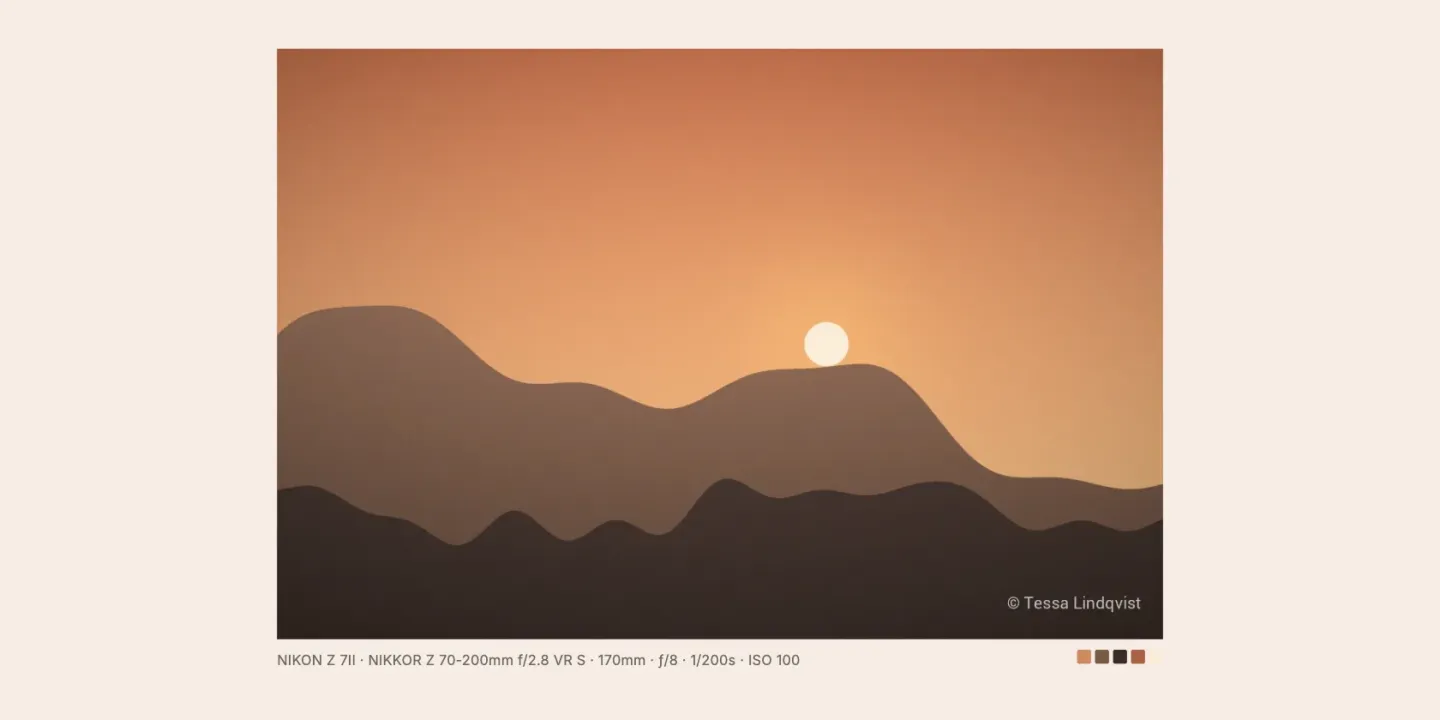
Each body of work is an object with a gallery field: drag in the images, put them in order, write the alt text. On upload, Total CMS reads the camera, lens, exposure and copyright from each file's EXIF data and builds a color palette, so a template can print "Fujifilm X-T5, 35mm, f/2" under a photo, or tint a page to match its lead image.
- Location is yours to keep out. Turn off
gatherLocationin the site's configuration and the GPS position and place names are left out of the metadata Total CMS stores, while camera, lens and copyright are kept, so no template can print where a photo was taken. The image file itself is not changed, and the sizes Total CMS serves keep the camera's own data, location included. If a shoot happened at a client's home, remove location when you export from your editor, before you upload. - Images are sized on request. ImageWorks resizes, crops and converts each image when a page asks for it: WebP for the browser, a 2× version for retina screens, a crop that keeps the subject in frame using the focal point you set in the admin. You upload the full-size file once.
- Watermarks can't be stripped from the URL. Set an image or text watermark on the field, and choose a size limit so thumbnails stay clean while every larger version is marked. The rule is applied when the image is generated, so editing the image URL doesn't get around it.
- Portfolio pages are yours to design. Build them in Stacks, in the Site Builder, or by hand. Nothing about the layout comes from a theme you rent.
Client proofing
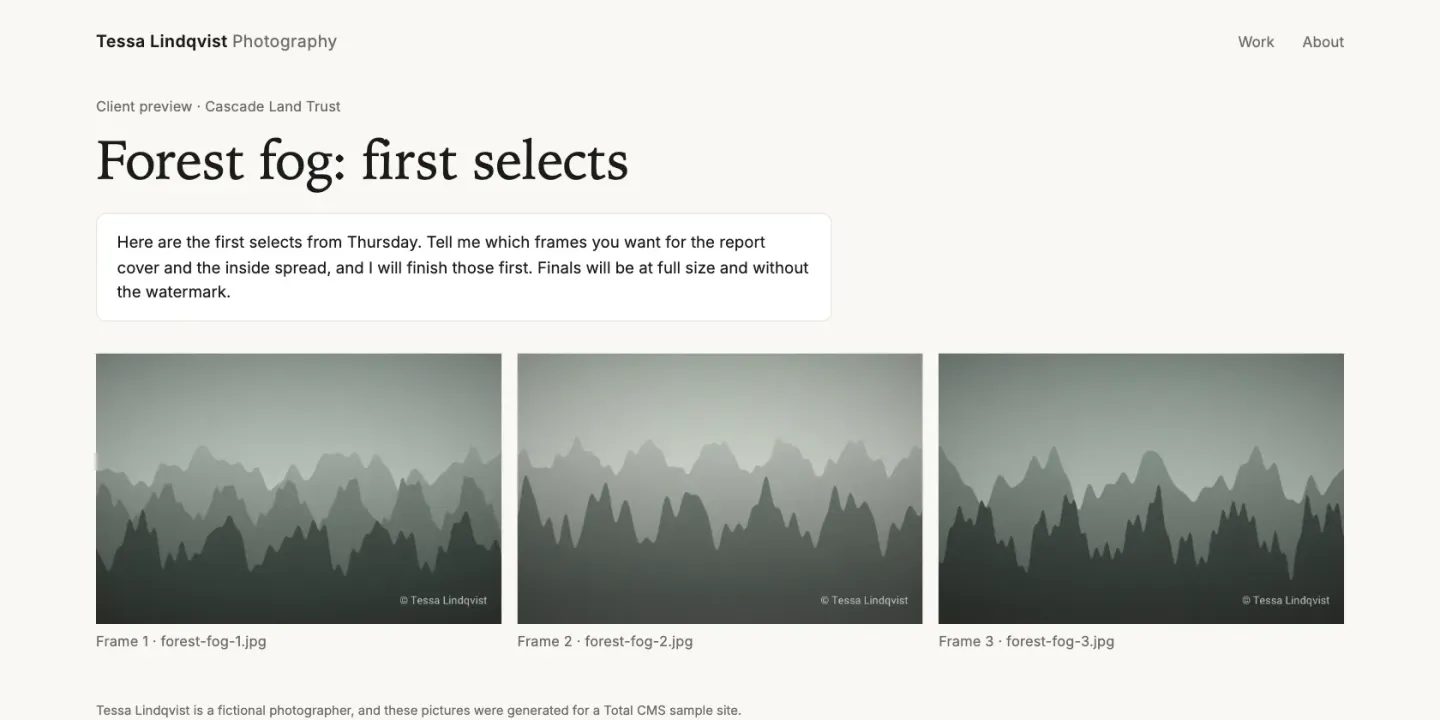
The client half comes from Suki Gallery, an extension by Stackswork. You create a gallery in the admin and share one private link. The client browses the shoot (in light or dark mode, with zoom), marks favorites, comments on individual images, and submits a final choice or asks for changes. Their progress saves as they go.
On your side:
- Password-protect each gallery and replace the share link if it gets passed around.
- Set a selection limit when the package includes a set number of images.
- Decide whether originals can be downloaded, and offer the client's picks as a ZIP.
- Get an email when the client finishes, then review their selections in Total CMS and export them as CSV for your editing workflow.
The galleries use Total CMS's own storage, so the photos stay on your site rather than on someone else's platform. Suki Gallery is a one-time purchase (one domain or unlimited) and needs the Pro edition.
For something lighter, such as a quick look at a few frames before a shoot is finished, the bundled Protect extension puts a page behind a numeric passcode. No accounts, no login, a code you send by text.
Getting work onto the site
Uploading a shoot is the same as filling any form: drop the images onto the gallery field. For large sets, two settings matter. Turning off EXIF and palette extraction on a field speeds up uploads of 50 images or more. And CSV or JSON imports can pull images from a folder on the server, which suits moving an existing archive in one pass.
On Pro, an AI assistant can draft alt text and captions over Total CMS's built-in MCP server, with the same permissions as a person in the admin.
Where it stops
- It isn't a print lab. Proofing platforms built for photographers often sell prints and products with lab fulfilment, contracts and invoices. Suki Gallery does selection, comments and delivery. If print sales are a real part of your income, keep a service that does them.
- Storage is your hosting. Galleries live on your server, so a busy wedding season needs a host with the disk space and bandwidth for it. Full-resolution deliveries of several gigabytes are better sent through a file transfer service.
- Someone builds the site once. Total CMS isn't a theme picker. If you don't want to design the portfolio yourself, a designer who works in Stacks or Total CMS can build it and hand it over.
What you need
- Standard covers a portfolio built on the built-in gallery and blog schemas, with EXIF, ImageWorks and watermarks.
- Pro adds custom schemas, for project pages with your own fields (client, location, kit).
- Suki Gallery needs Pro as well.
- Any host with PHP 8.2 or later, with no database to set up. Your photos and pages are plain files, so a backup is a copy of a folder.