

An artist's website has one job: show the work well enough that the right person gets in touch. A gallery wants to see a body of work, a client wants to see the style, a collector wants to know what's available. Most website builders do this with a theme, a monthly fee and the work living on their platform.
Total CMS runs an artist's portfolio on a site you own, on your own hosting. It suits painters and illustrators, and anyone whose portfolio is a set of projects: architects, interior designers, makers.
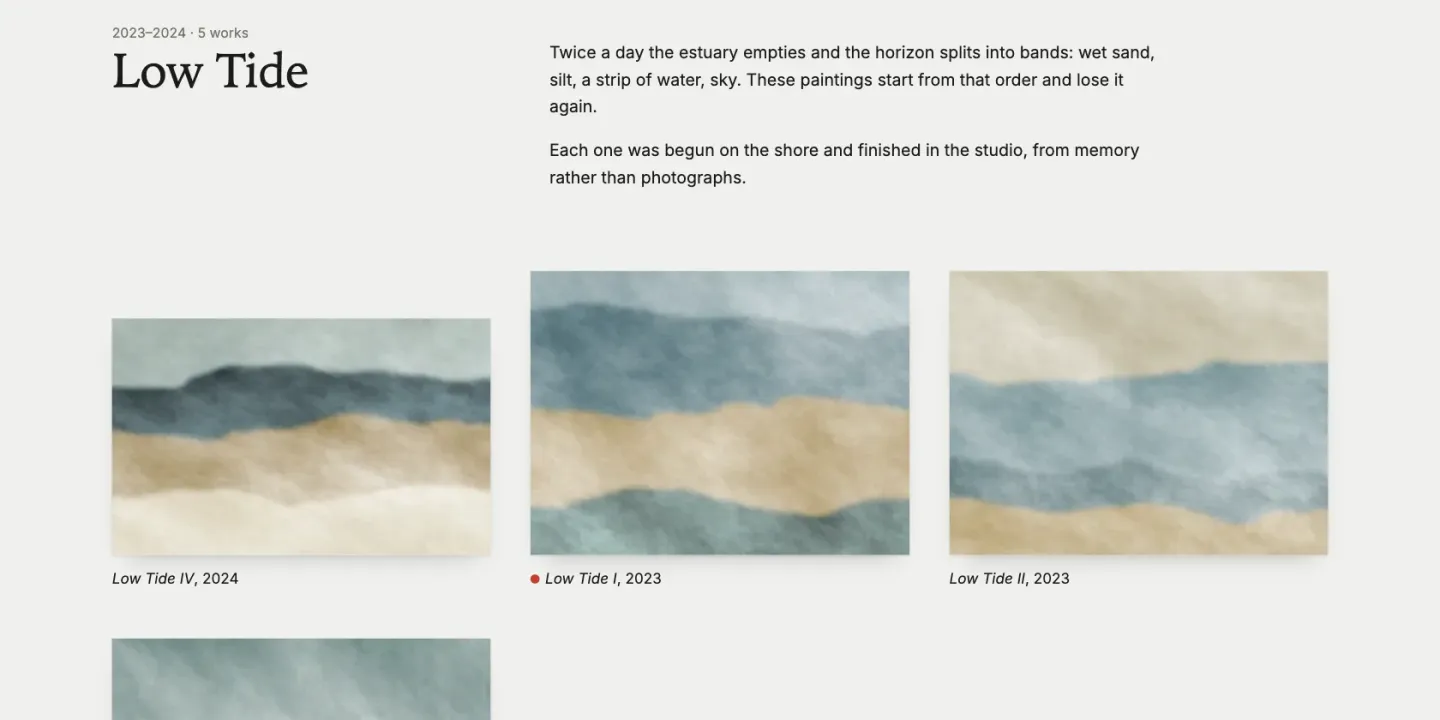
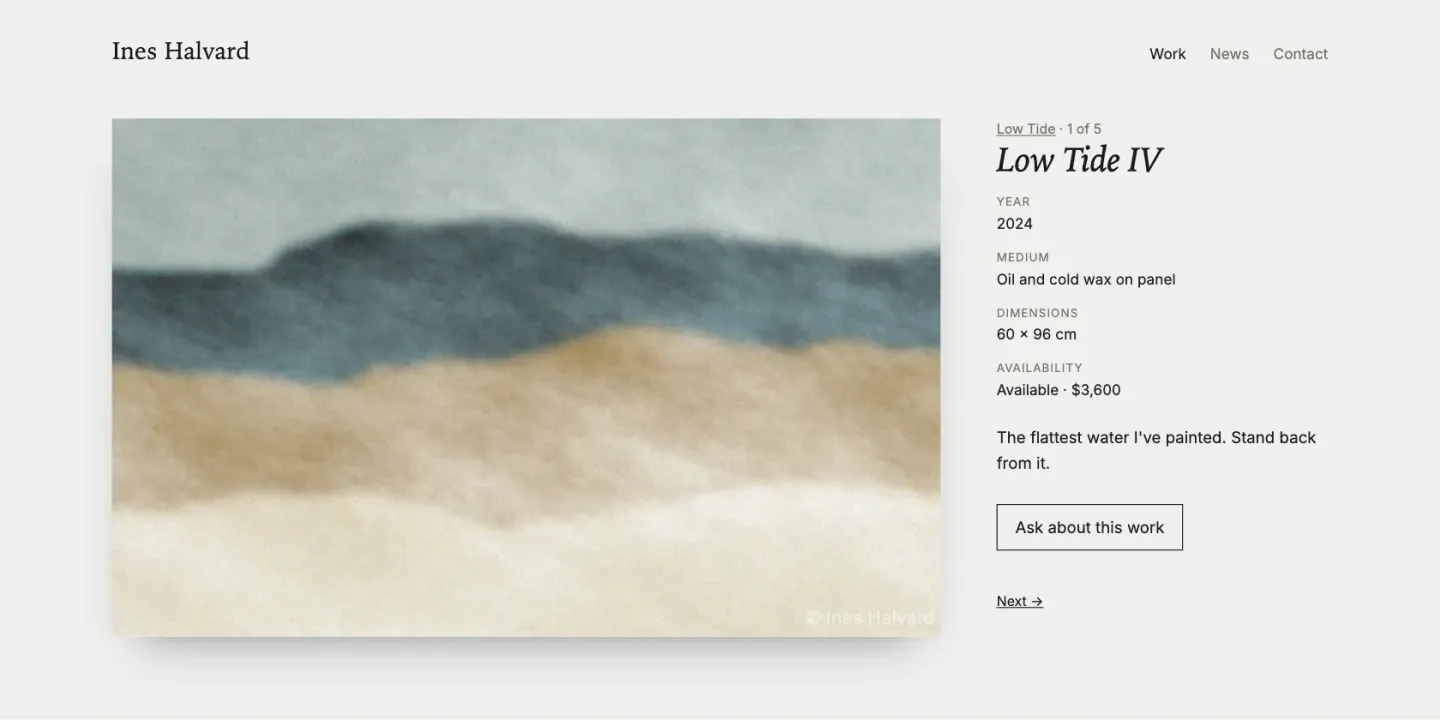
This page's JumpStart builds one for Ines Halvard, a fictional painter: three series, twelve works, exhibition news and an enquiry form. The paintings in it were generated for the sample.
Bodies of work, not a pile of images
Each series or project is an object with a gallery field: drag in the images, put them in order, write the alt text. A series page lists its works in your order. When each work needs its own title, year, medium, dimensions and availability, make the works a collection of their own and let each series pick them in hanging order, as the sample does. On upload, Total CMS reads each file's EXIF data and builds a color palette, so a template can tint a page to match the lead image.
For an architect or interior designer, the same pattern makes a project page: the gallery, the location, the brief, the photographer's credit.
Images that look right everywhere
- Upload once, served at every size. ImageWorks resizes, crops and converts each image when a page asks for it: WebP for the browser, a 2× version for retina screens, and a crop that keeps the subject in frame using the focal point you set in the admin.
- Watermarks can't be stripped from the URL. Set an image or text watermark on the field and a size limit, so thumbnails stay clean while every larger version is marked. The rule is applied when the image is generated, so editing the image URL doesn't get around it.
- Location stays private. Turn off
gatherLocationon the field and GPS data is stripped from the stored metadata, so a photo taken in your studio doesn't publish its address.
The rest of an artist's site
- News and exhibitions. The built-in blog schema covers shows, openings and press, with dates, images and categories.
- Enquiries. A contact form saves each enquiry and emails it to you. The sample puts one on every available work, already set to that work, so you know which painting someone is asking about.
- Workshops. If you teach, Relay Queue, an extension by Speedy Websites, takes bookings for classes with capacity limits, a waitlist and automatic emails.
- Found by search. The Site Builder writes titles, descriptions, social images and structured data from your content, and once a collection's sitemap is switched on, each new page joins it as it is published.
The design is yours: build it in Stacks, in the Site Builder, or by hand. Nothing about the layout comes from a theme you rent.
Where it stops
- Selling online takes a cart or a payment link. Total CMS can sell work: plenty of sites add a third-party shopping cart, and a payment link from Stripe or similar covers a single original. It has no checkout of its own, though, so you choose one of those, and many artists sell by enquiry instead, which a form handles well.
- It isn't a theme picker. There is no gallery of ready-made portfolio templates to choose from. If you don't want to design the site yourself, a designer who works in Stacks or Total CMS can build it and hand it over.
- Storage is your hosting. Large image archives need a host with the disk space for them.
What you need
- Standard covers a portfolio built on the built-in gallery and blog schemas, with EXIF, ImageWorks and watermarks.
- Pro adds custom schemas, for works and projects with your own fields (year, medium, dimensions, availability, client).
- Relay Queue needs Pro as well.
- Any host with PHP 8.2 or later, with no database to set up. Your images and pages are plain files, so a backup is a copy of a folder.