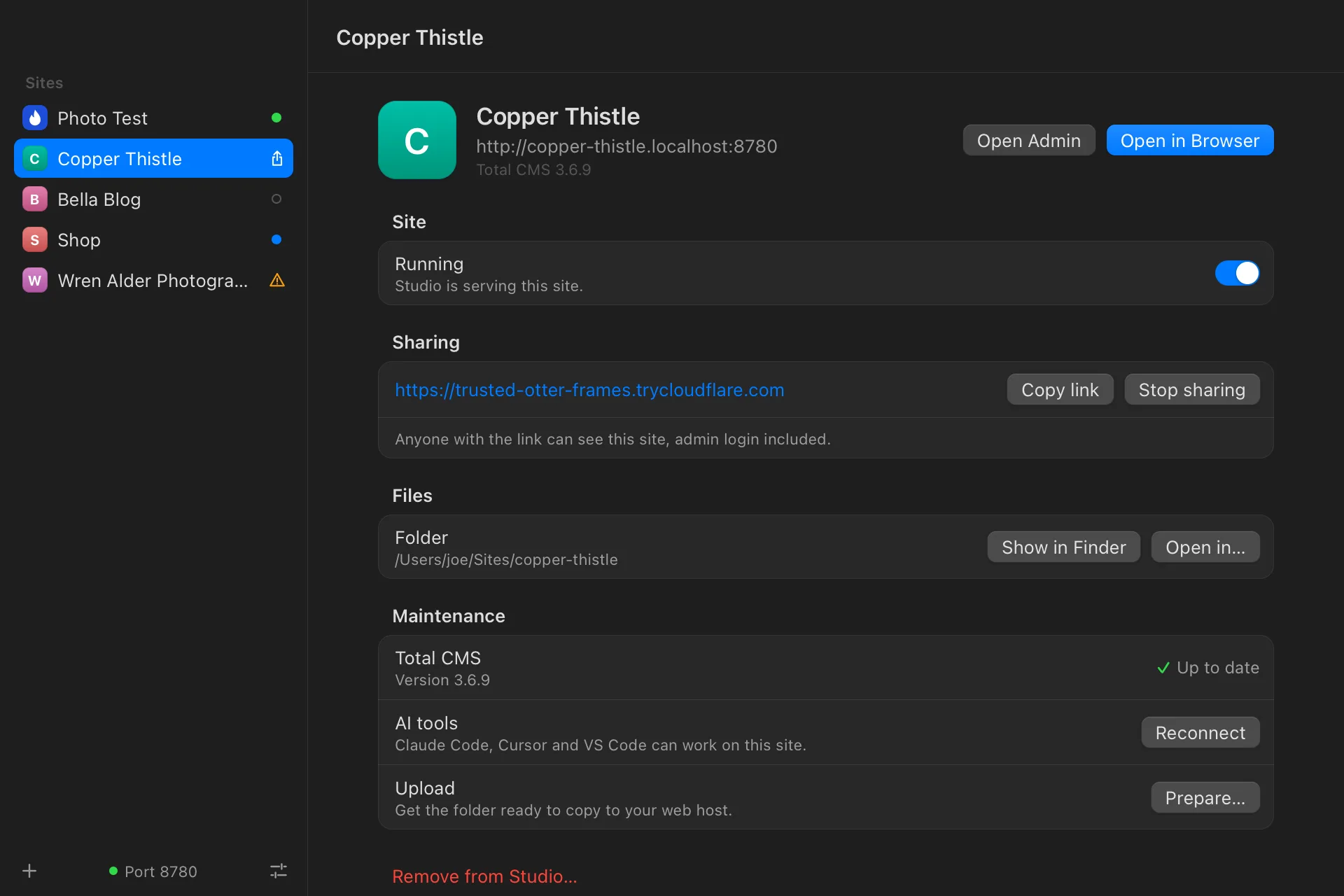
Studio is a Mac app that sets up and runs Total CMS sites for you. Pick a starter and a folder, and Studio installs the site and opens it in your browser. PHP, Node and Composer come inside the app, so there’s nothing else to install.
Every site gets its own window, and its own address on your Mac, like copper-thistle.localhost. Each button runs the commands you’d otherwise type in a terminal, and every site keeps a log of what ran.
Copper Thistle
1234
1
Show a client before launch
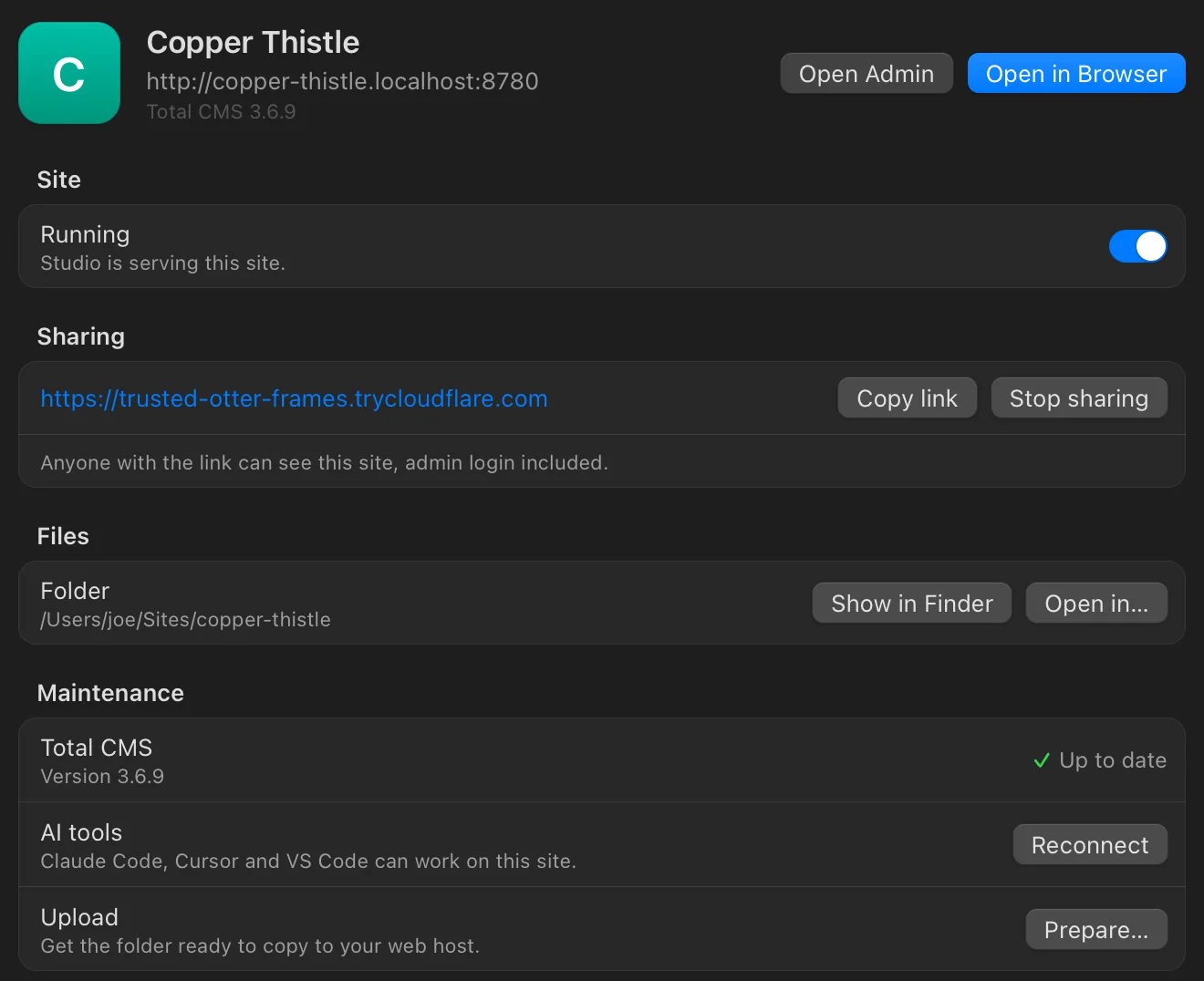
Share puts the site on a public link through Cloudflare, admin login included, so a client can click around and try editing. A quick link is free and changes each time; connect a domain you manage on Cloudflare to keep one address.
2
Keep it up to date
Studio checks whether Total CMS or the site’s frontend packages have an update and installs it with one click. Turn on Watch CSS & JS and the styles rebuild every time you save.
3
Bring your AI tools
One click connects Claude Code, Cursor and VS Code to the site’s MCP server. The key it sets up works only on your Mac, so it’s useless to anyone else if the folder is uploaded or shared.
4
Ready for your web host
Prepare installs the site’s packages for production and builds its CSS and JavaScript, then tells you which folders to leave behind. Copy the rest to your host.
What’s inside
It brings its own tools.
Studio carries its own PHP, Composer, Node and Cloudflare’s tunnel, and one built-in web server runs every site. It never installs anything onto your Mac, so there’s nothing to set up first and nothing to clean up after.
Total CMS treats a .localhost address as a development site, so everything you build in Studio runs with every Pro feature at no cost. A license comes in when the site goes live on a real domain.
Studio keeps itself current. It checks for a new version at launch and once a day, and installs it only when you click Restart to Update.
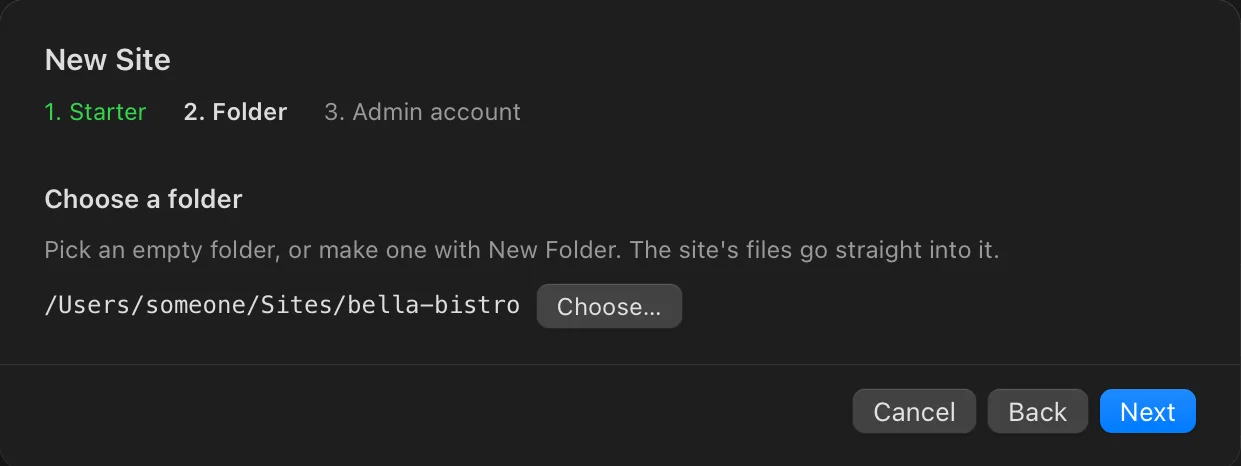
Pick one, choose a folder, and Studio installs Total CMS, builds the site’s CSS and JavaScript, and creates your admin account. Or add a Total CMS site you already have. It’s the same catalog as the starters page, so a new starter shows up in the app once it’s published. Each one has a live demo to try first.
The account is your free profile on totalcms.co, the one members use for a public page of the sites and extensions they build. You come straight back here to download.
Studio 1.0.1 · November 10, 2026 · 177 MB · signed and notarized by Apple
What’s new in 1.0.1
Fixes sites failing to start in 1.0.0, a new icon, and small fixes to how Studio updates itself.
Sites start again. In 1.0.0, PHP stopped with "Allocation of JIT memory failed" while setting up or running a site.
Studio has a new icon.
A new site opens at its homepage, so you see it working first. Open Admin is a click away in Studio.
Studio now updates when it's kept on an external drive. Before, it asked you to move it to Applications.
If an update fails its security check, Studio says to download it again from totalcms.co instead of asking you to try later.
Studio checks for updates once a day even when your Mac sleeps through the night. Before, a laptop could go days between checks.